A Quick Overview Before You Read
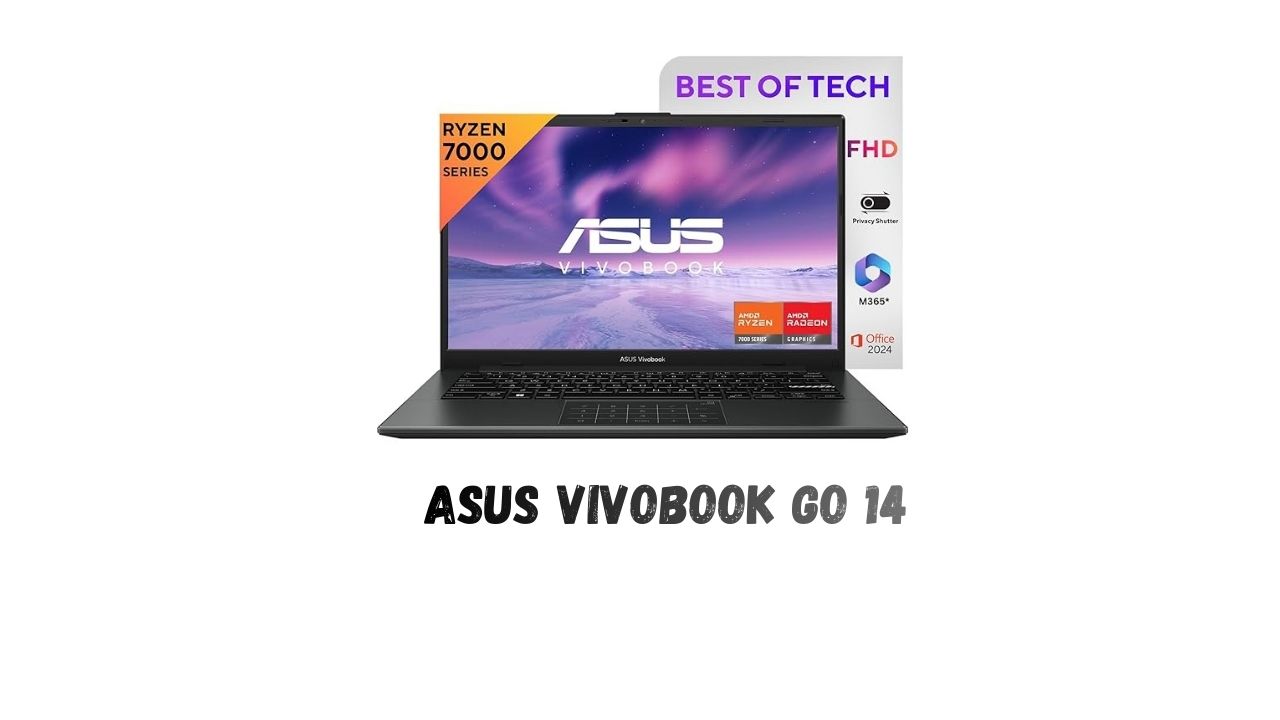
ASUS Vivobook Go 14 However, finding the best laptop that is lightweight and reliable for all day and night use may not be easy, especially if you also need the latest software and great mobility. One laptop that tries to find the middle ground is the ASUS Vivobook Go 14. It packs an incredibly lightweight design along with a reliable AMD processor.
Introduction: What Is the ASUS Vivobook Go 14?
The ASUS Vivobook Go 14 E1404FA-NK3325WS laptop features slim and light architecture targeted at students, office workers, and general consumers requiring a reliable device to perform daily tasks. It comes equipped with an AMD Ryzen 3 7320U processor and supports 8GB of RAM and a 512GB SSD to deliver uninterrupted and seamless operations in tasks such as browsing, writing, or viewing contents.
The Vivobook Go 14 is manufactured by ASUS and is focused on being portable and functional. It comes with a 14-inch FULL HD display and Windows 11 operating system and Office Home 2024 so that the user can move around with it without much fuss because of its light weight of 1.38 kg.
Design & Build: Sleek and Portable
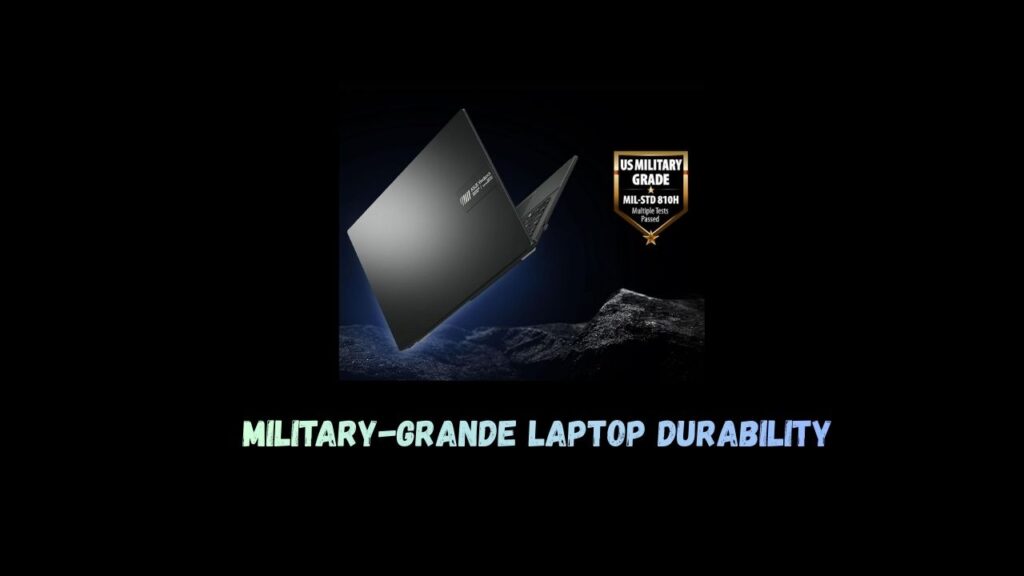
Among the most appealing aspects of the ASUS Vivobook Go 14 is that it has a slim and portable body that weighs only 1.38 kg, which can easily fit in a backpack and thus is the most suitable for school-going children and businesspeople traveling to different locations for business.
The Mixed Black finish of the laptop gives it a clean and professional look. Although its design is minimalistic and not flashy, it seems practical and modern. Its space-saving design is also comfortable to work with, even in confined areas such as offices, coffee shops, or classrooms.
View Experience: Full HD Clarity in a Small Size
This laptop has a 14-inch Full HD (1920 x 1080) display that is ideal for day-to-day activities. In terms of display screen size, the laptop has got the proportions perfectly – not so big that it compromises the mobility of the laptop.
Text looks sharp, and video plays back well for casual viewing. Although this display is not designed for professional content creation or color-critical applications, it handles office work, e-learning, and Web surfing quite well.
Performance and Processor: AMD Ryzen 3 7320U
At the heart of the laptop, there is the AMD Ryzen 3 7320U processor. This processor from AMD runs tasks such as:

- Internet surfing using multiple tabs.
- Applications de Microsoft Office.
- Video calls & online meetings.
- Light Multitasking
It comes with AMD Radeon integrated graphics processing. The graphics card is good enough to handle graphics-related work and is suitable for playback of graphics-intensive graphics. The computer is not to be used for heavy gaming or rich graphics-based editing but is satisfactory enough for users.
Memory & Storage: Fast SSD for Everyday Use
The ASUS Vivobook Go 14 has 8GB of RAM in it, which is sufficient for most activities. Whether you are toggling between documents, browsers, and applications, the device performs very well.
The storage aspect of this laptop is provided by a 512GB SSD, which provides a significantly faster boot time and launching of applications. The SSD provides better system response compared to traditional HDDs and leaves enough room for files and applications.
Software & Productivity:- Ready Out of the Box.
This laptop comes with Windows 11 operating system, which has a sleek interface. In that case, it also has Office Home 2024. Therefore, it serves users with benefits in terms of increased usage of Word, Excel, and PowerPoint applications.
ASUS also comes with Microsoft 365 Basic subscription service for 1-year, cloud storage, and more benefits. Vivobook Go 14 will prove to be very effective for those who are looking to buy a laptop that can work with existing software.
Keyboard, Trackpad & Everyday Usability
The keyboard in the Vivobook Go 14 is designed in a way that is friendly to typing, making it ideal for writing, homework, or any kind of business work.
The trackpad is quite sensitive, allowing all the normal gestures used in the Windows operating system. Together with the lightweight nature, this makes it a functional laptop for everyday use.
Battery Life and Its Portability
While the exact thing might vary due to different user usage, the power-efficient of Ryzen processor helps the deliver dependable battery life for a typical workday. For document editing, browsing, or video calls, the Vivobook Go 14 can easily last several hours on one charge.
The lightweight and efficient performance make it a strong option for users working more than often on the go.

ASUS Vivobook Go 14: Key Specifications Table
| Specification | Details |
|---|---|
| Model | ASUS Vivobook Go 14 (E1404FA-NK3325WS) |
| Processor | AMD Ryzen 3 7320U |
| Graphics | AMD Radeon Integrated Graphics |
| RAM | 8GB |
| Storage | 512GB SSD |
| Display | 14-inch Full HD (1920 × 1080) |
| Operating System | Windows 11 |
| Office Suite | Office Home 2024 |
| Extra Software | Microsoft 365 Basic (1 Year) |
| Weight | 1.38 kg |
| Colour | Mixed Black |
Conclusion – Final Verdict: Is the ASUS Vivobook Go 14 Worth It?
The ASUS Vivobook Go 14 is one of the best well-rounded slim and light laptops, featuring the latest AMD processor, an SSD hard drive, Office software, and a light weight that make it an attractive buy.
If you are looking for a laptop that will not let you down in terms of doing normal tasks, learning, or working, but does not feature unnecessary complexity, then the Vivobook laptop might be an option for you.
How to get this Deal Online?
- Go to Amazon app or website.
- Add product to cart.
- Login or register.
- Update or select shipping details.
- Pay the amount.
For more Deals You can visit our page
Frequently Asked Questions (FAQs)
Is the ASUS Vivobook Go 14 laptop alright for students and office use?
Yes, it’s perfect for use in carrying out tasks such as studies, document processing, and online meetings.
Is the ASUS Vivobook Go 14 capable of gaming or video editing?
It can perform some light tasks, but it is not meant for heavy gaming, video editing, and so forth.
Does the ASUS Vivobook Go 14 have Microsoft Office pre-installed?
Yes, it includes Office Home 2024. It also includes a 1-year Microsoft 365 Basic license.
How portable and travel-friendly is the ASUS Vivobook Go 14?
Yes, its 1.38 kg lightweight design.